
A free online tool to convert MP4 videos to animated GIF images.
A free online tool to convert MP4 videos to animated WebP images.
A free online tool to download and save videos from tweets and X (formerly Twitter) posts in high quality.
A free online tool to download and save animated GIFs from tweets and X (formerly Twitter) posts.
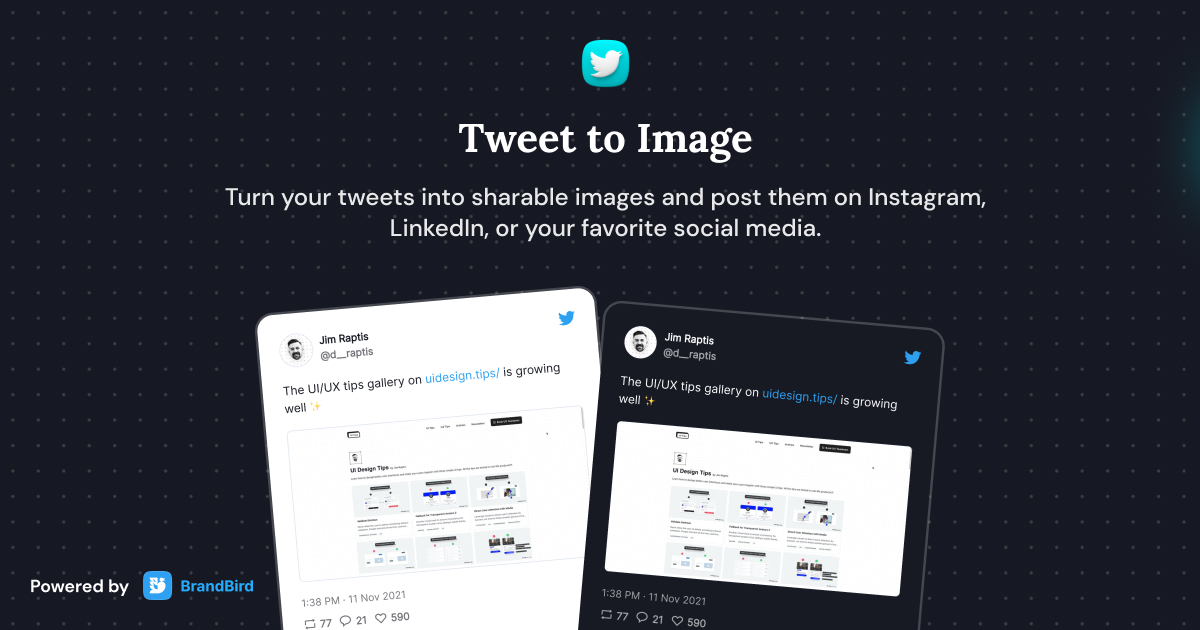
Turn tweets into beautiful sharable images with customizable themes.
Upload your MP4 video to BrandBird's converter, adjust the start/end time, frame rate, and dimensions, then click convert. The tool processes everything locally in your browser and generates a downloadable animated GIF.
BrandBird's MP4 to GIF converter processes everything locally in your browser — your video never leaves your device. It's fast, private, free, and doesn't add watermarks or require sign-up.
MP4 (MPEG-4 Part 14) is the most common digital video format. It offers high compression efficiency, broad compatibility across devices and platforms, and supports both video and audio streams.
An animated GIF (Graphics Interchange Format) is an image format that supports animation by displaying a sequence of frames. GIFs are widely used for short animations, reactions, tutorials, and memes across the web and messaging apps.
Yes, it's completely free. Convert unlimited videos without watermarks, sign-up, or file size restrictions.
Yes. Adjust the frame rate, output dimensions, and quality settings. Higher frame rates produce smoother animations but larger file sizes. For web use, 10-15 fps is usually a good balance.
Since the conversion happens locally in your browser, there's no strict server-side file limit. However, very large videos may be slow to process depending on your device's capabilities.
Reduce the output dimensions, lower the frame rate to 10 fps, trim the video to only the essential portion, and use fewer colors. These optimizations significantly reduce the file size while keeping the animation clear.
I don't know when it happened but Brandbird is now my all-in-one SaaS & social media design tool.
Founder Senja.io

